%202.png)
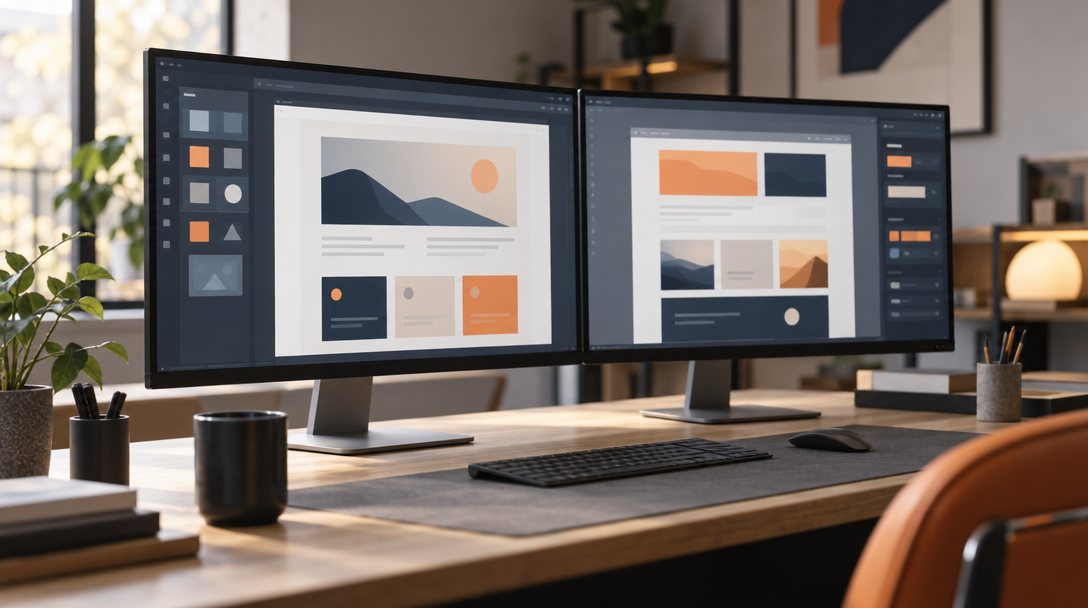
If you are planning a new website, the platform question comes up early. For most small businesses in Minnesota, the shortlist is usually Webflow or WordPress.
Both are capable. Both can rank well, look great, and bring in leads. But they are built on different ideas, and those differences matter after launch, when you are the one living with the site.
Here is an honest comparison from an agency whose own site runs on Webflow, and who knows WordPress well enough to respect what it does best.
WordPress is an open source platform you host yourself or through a hosting company. It is extremely flexible, has a huge library of plugins and themes, and powers a large share of the web. That flexibility comes with responsibility: updates, security, and plugin compatibility are on you or your developer.
Webflow is a hosted visual website builder. Hosting, security, and core updates are handled by Webflow. Designers build visually with real control over layout and code output. You trade some flexibility and the giant plugin ecosystem for a cleaner, more managed setup.
Both platforms can produce custom, professional designs. WordPress sites often start from a theme or page builder, which can be fast but sometimes leads to heavy code and similar looking sites. Webflow is built for custom design from the ground up, which makes it popular with designers who want precise control without a pile of plugins.
This is often the deciding factor. Webflow's editor lets your team change text, images, and blog posts right on the page, with the design locked in place so nobody accidentally breaks a layout.
WordPress editing depends heavily on how the site was built. A well built WordPress site can be easy to edit. One assembled from several page builders and plugins can be confusing.
WordPress needs regular updates to the core software, theme, and every plugin. Skip them and you risk security issues or broken features. WordPress's own security hardening guide says to always run the latest version, since older versions don't get security updates. Many businesses handle this with a maintenance plan, which is part of why our website maintenance service exists.
Webflow handles hosting, security patches, and platform updates for you. There are no plugins to update. You still need someone to keep content current, check forms, and watch performance, but the technical upkeep is much lighter.

WordPress wins on sheer range. If you need a complex booking system, membership area, large ecommerce catalog, or a niche industry tool, there is probably a plugin for it.
Webflow covers the needs of most service businesses well: forms, a CMS for blogs and projects, basic ecommerce, and integrations through embeds and automation tools. For very complex functionality, WordPress or a dedicated platform may fit better.
Both can rank. Neither platform does your SEO for you. Webflow gives you clean code, fast hosting, and built in controls for meta titles, descriptions, redirects, and structured data. WordPress offers the same through popular SEO plugins. Rankings depend far more on content, site structure, speed, and local signals than on the platform. The same SEO principles apply on either one.
The costs show up differently. WordPress software is free, but you pay for hosting, premium themes, plugins, and ongoing maintenance. Webflow charges a site plan that includes hosting, plus any workspace plan your designer uses. Over a few years, the total cost is often closer than people expect. Get a quote that includes both the build and the cost of running the site.
WordPress is portable. You can move your site to almost any host. Webflow sites live on Webflow's hosting. You can export code and content, but CMS driven features do not transfer as a working site. Webflow's code export documentation spells out what is and isn't included. If long term portability is a priority, factor that in.
Webflow tends to fit service businesses that want a custom, fast site, want their team to edit content easily, and would rather not manage plugins and security updates. It is a strong fit for marketing sites, lead generation, and blogs.
WordPress tends to fit businesses that need complex functionality, rely on specific plugins, want full control of hosting, or already have a team comfortable maintaining it.
If you are torn, focus on three questions:
A site on the right platform can still fail to bring in work. What drives results is a clear message, a structure that guides visitors toward calling or requesting a quote, fast mobile performance, and proof that you do good work. We covered those essentials in Website Design That Converts.
It depends on your needs. Webflow is often better for businesses that want a custom marketing site with easy editing and little technical maintenance. WordPress is often better when you need complex features or specific plugins. Both can rank well and generate leads.
Yes. Webflow produces clean code, offers fast hosting, and includes built in controls for meta titles, descriptions, redirects, and schema. Like any platform, results depend on your content, structure, and local signals.
Yes. Content, blog posts, and images can be migrated, and the design is usually rebuilt in Webflow. Setting up redirects from old URLs is essential so you keep the search rankings you have already earned.
Less technical maintenance than WordPress, since Webflow handles hosting and security updates. You still need to keep content current, test forms, monitor speed, and review SEO health regularly.
Not sure which platform fits your business? Get in touch and we will give you a straight recommendation based on how your team works and what your site needs to do. Learn more about our website design process.
Let's build a plan that fits your market, your goals, and your next stage of growth.
Let's Talk Growth
Marketing that drives real outcomes for businesses. Built and based in Minnesota, working nationwide.


